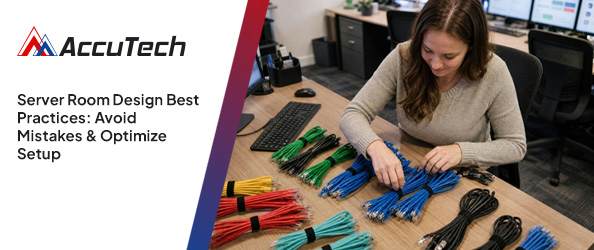
A pattern we notice again and again is that many businesses treat their server room as an afterthought—until something goes wrong. One small oversight, like poor cable management or skipping regular checks, can lead to unexpected downtime and costly repairs.
"A well-designed server room is the backbone of reliable business IT."
Industry research shows that nearly half of small businesses experience avoidable outages due to basic server room mistakes. If you want your business to run smoothly, understanding the essentials of server room design is a must. This space is where your servers, racks, and network equipment live, and it needs careful planning to keep your data safe and your systems running. Whether you’re setting up a new data center or improving your current room design, following best practices helps prevent problems before they start.
[.c-button-wrap][.c-button-main]Contact Us[.c-button-main][.c-button-wrap]
A server room is more than just a place to store hardware. It’s a controlled environment where your company’s critical IT infrastructure operates. The right setup protects your equipment from heat, dust, and power issues, while also making maintenance easier.
Most businesses rely on a dedicated server space to handle daily operations, from file sharing to running applications. Good server room design considers everything from ventilation and fire suppression to power supplies and cable organization. When you get these basics right, you lower the risk of downtime and keep your business running smoothly.
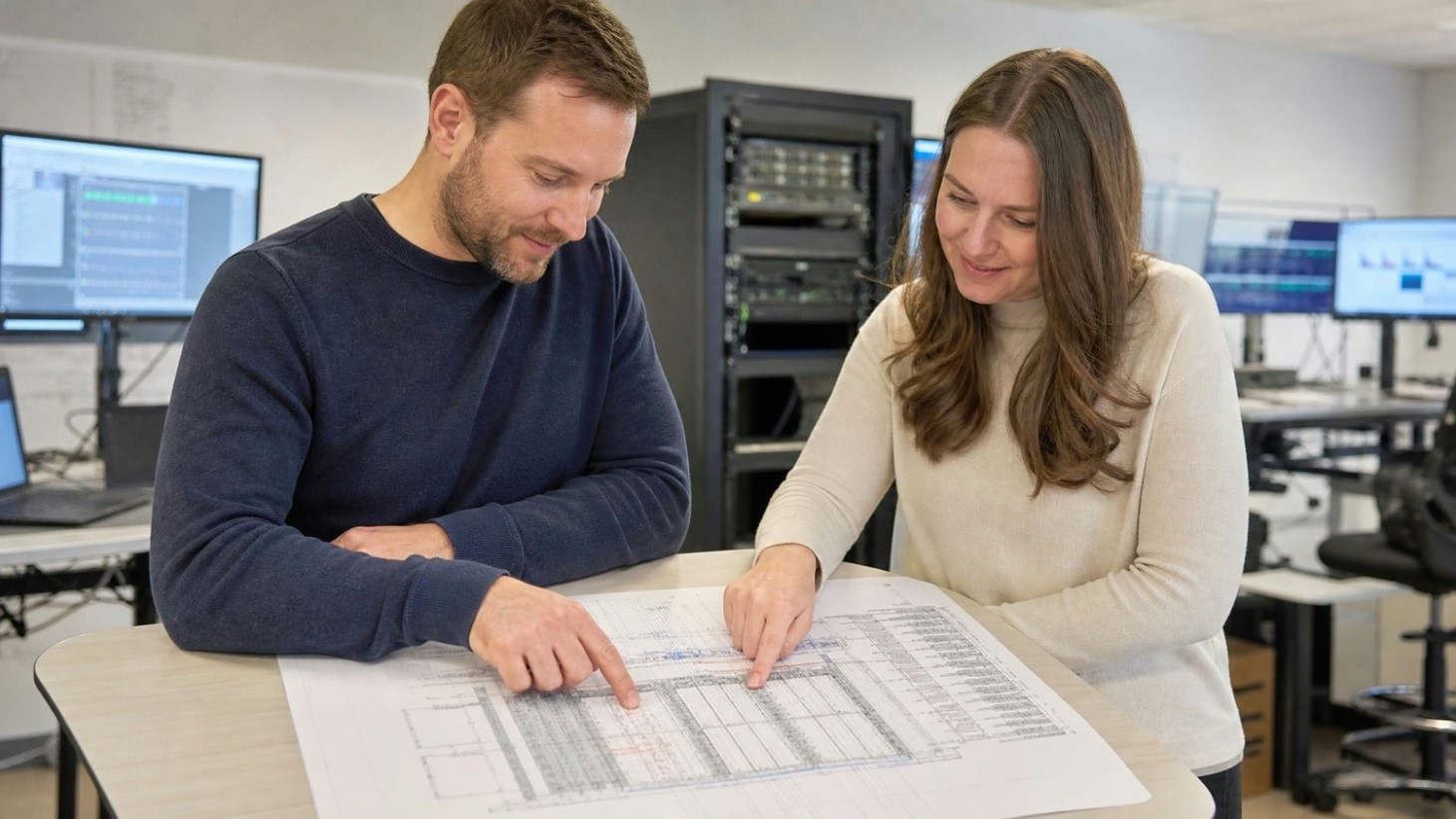
Even with the best intentions, it’s easy to overlook important details in your server room. Here are some of the most frequent mistakes we see and why they matter.
Without enough airflow, heat builds up quickly in a server room. Overheating can cause servers to slow down or even fail. Make sure your space has adequate ventilation to keep temperatures stable.
Messy cables make it hard to troubleshoot problems and increase the risk of accidental disconnections. Use labeled cable trays and keep pathways clear for easy access and maintenance.
Fires in server rooms can start from electrical faults or overheating equipment. Installing a modern fire suppression system helps protect your investment and keeps your data safe.
Plugging too many devices into one outlet or circuit can cause outages. Use dedicated circuits and uninterruptible power supplies (UPS) to ensure stable power.
If a single piece of equipment fails, your whole network could go down. Build in redundancy with backup hardware and multiple network paths to keep things running.
A server room should be locked and monitored to prevent unauthorized access. Physical security is just as important as digital security for protecting your data.
Fluctuations in temperature and humidity can damage sensitive equipment. Install sensors and alarms to alert you to any changes before they become a problem.
A smart server room setup offers several advantages:
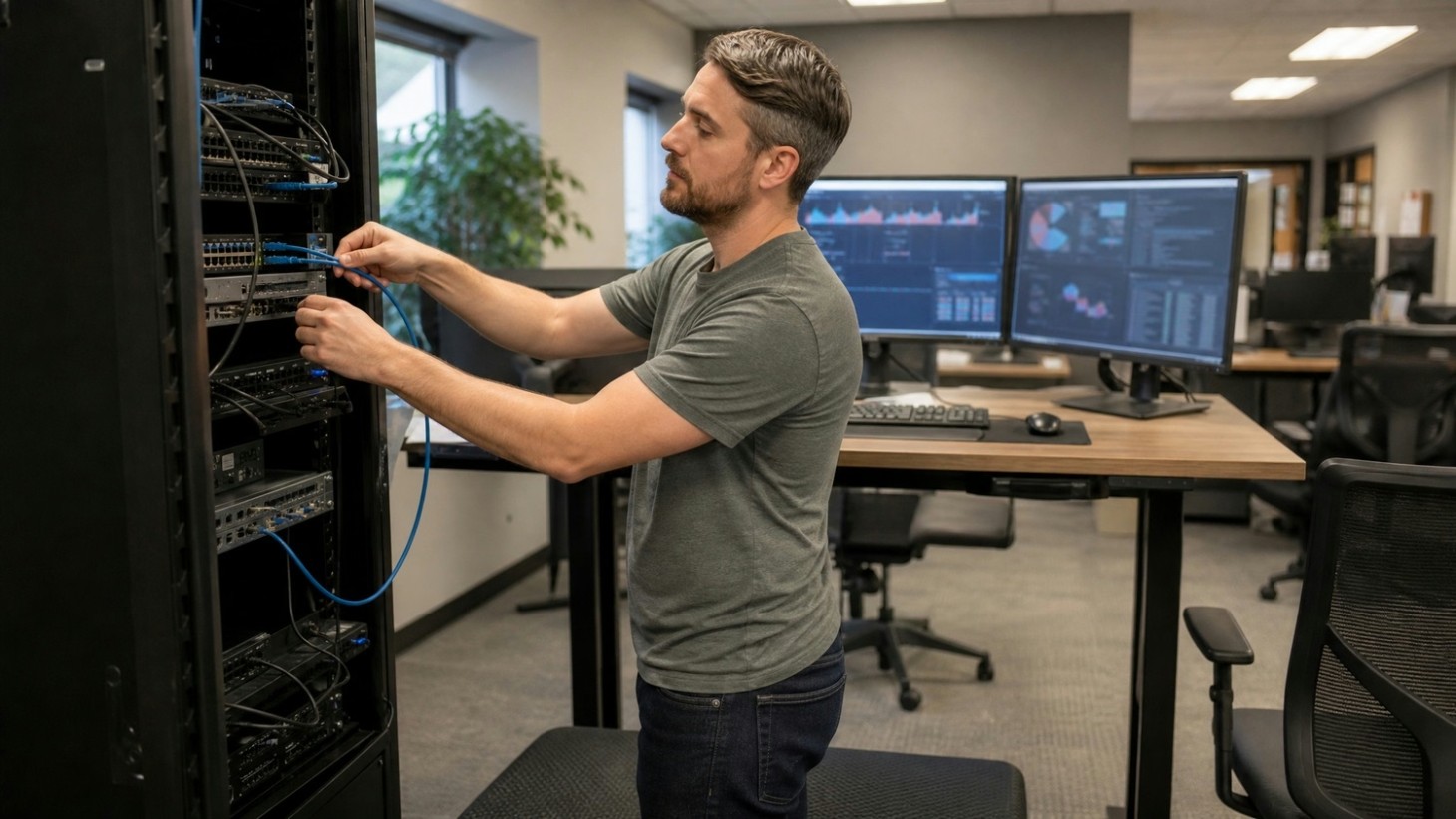
Temperature and humidity are two of the most important factors in server room management. Servers generate a lot of heat, and without proper cooling, they can overheat and shut down. Keeping the room at an optimal temperature—usually between 68°F and 77°F—helps prevent these issues.
Humidity is just as important. Too much moisture can cause corrosion, while too little can lead to static electricity. Aim for a humidity level between 40% and 60%. Monitoring systems can alert you to any changes, so you can act before problems develop. Good airflow, regular maintenance, and reliable HVAC systems are key to keeping your environment stable.
Designing an efficient server room takes planning and attention to detail. Here’s a step-by-step look at what matters most.
Pick a spot that’s away from water sources and direct sunlight. The location should be secure and easy for IT staff to access when needed.
Organize your racks to allow for easy airflow and maintenance. Leave enough space between racks for cooling and cable management.
Use dedicated circuits and backup power systems like UPS units. This keeps your servers running even during power outages.
Install a fire suppression system designed for electronics. Avoid water-based systems, which can damage equipment.
Use sensors to track conditions in real time. Set up alerts so you can respond quickly if something goes wrong.
Control access with locks, cameras, and entry logs. Only authorized personnel should be allowed inside.
Leave room for extra racks and equipment. Make sure your cooling, power, and network capacity can handle expansion.
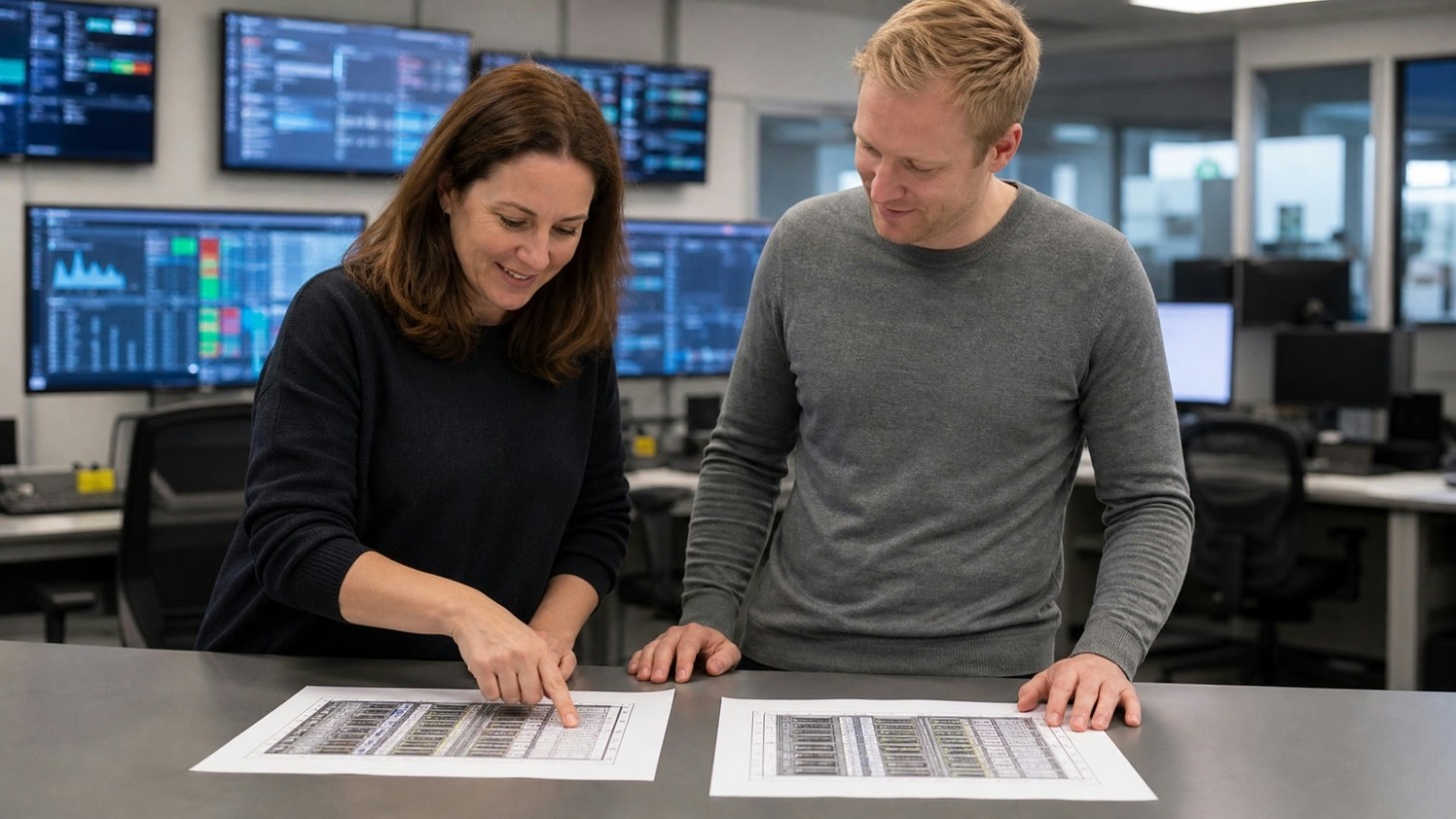
Keeping your server room in top shape is an ongoing job. Regular inspections help catch small problems before they become big ones. Check cables, power supplies, and ventilation systems at least once a month. Clean dust from equipment and make sure fire suppression systems are working.
It’s also smart to review your server room best practices and update your policies as technology changes. Train your team on emergency procedures and keep documentation up to date. By staying proactive, you can avoid most common issues and keep your business running smoothly.
Following best practices makes a big difference in server room performance and reliability. Here are some to keep in mind:
Sticking to these habits helps prevent downtime and keeps your IT environment safe.
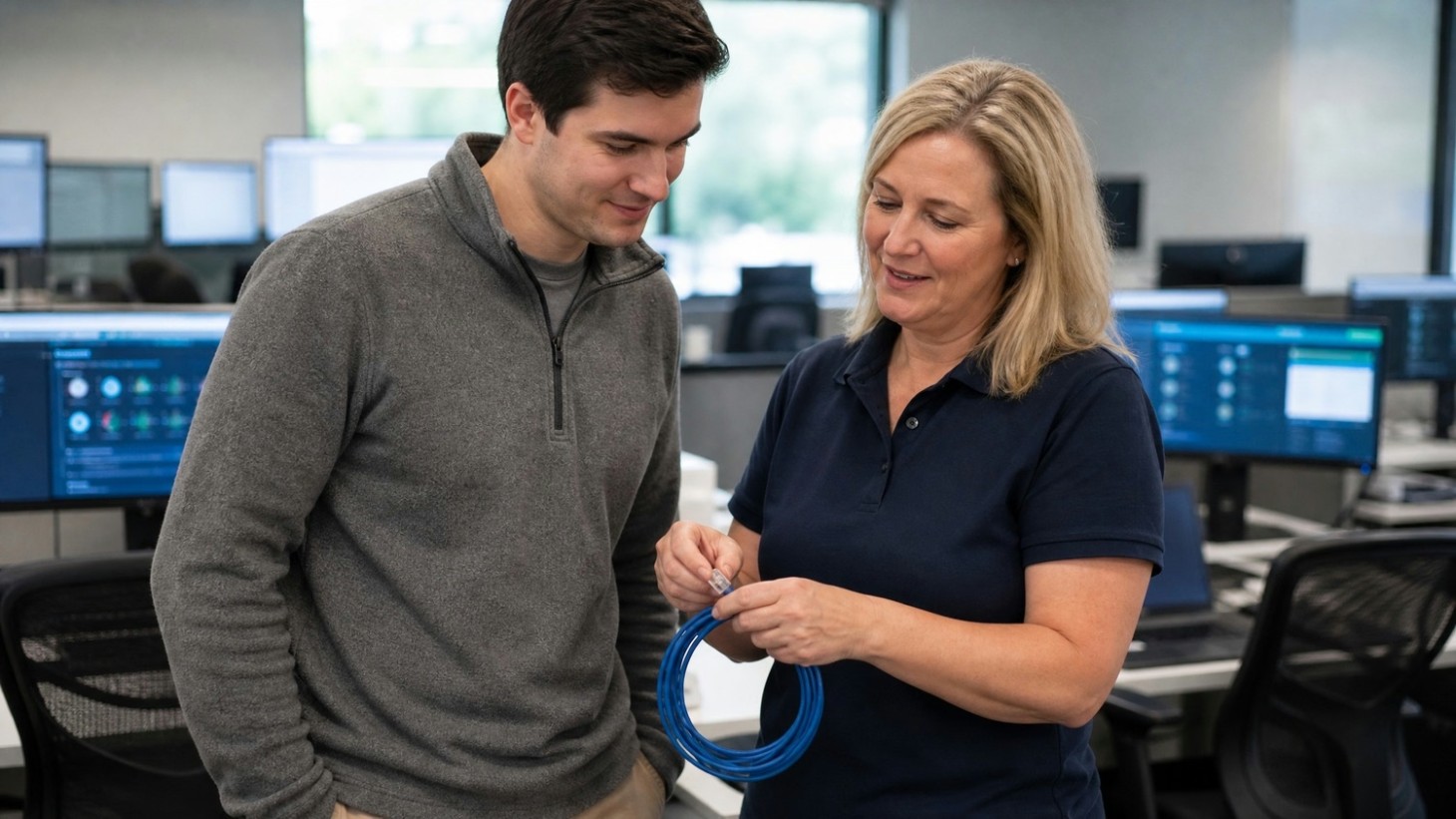
Are you a business with 5-40 users looking to improve your server room setup? Growing companies often outgrow their old IT spaces and need a more reliable, secure environment for their critical systems.
Our team at AccuTech IT understands the challenges of server room design and maintenance. We help businesses like yours avoid costly mistakes, improve uptime, and plan for future growth. Contact us today to see how we can help you build a smarter, safer server room.
[.c-button-wrap][.c-button-main]Contact Us[.c-button-main][.c-button-wrap]
The ideal size depends on your current and future equipment needs. For most small businesses, a dedicated server room should allow enough space for racks, cabinets, and proper ventilation. Make sure there is room to move around and add more hardware as your company grows.
Plan for at least 40-60 square feet, but adjust based on the number of servers and network devices you expect to use. Good room design also considers airflow and space for cable management.
Efficient cooling is key to keeping your server room running smoothly. Use energy-efficient air conditioning and set the thermostat to the optimal temperature range for your equipment. Avoid blocking vents and keep doors closed to maintain stable conditions.
Regularly check your cooling systems and clean filters to improve performance. Adding fans or upgrading your HVAC system can help if you notice hot spots or rising temperatures.
A fire suppression system designed for electronics is the safest choice. Avoid water-based sprinklers, as they can damage sensitive equipment. Instead, use gas-based systems that quickly put out fires without harming servers or cables.
Install smoke detectors and alarms for early warning. Regularly test your fire suppression equipment to ensure it works when you need it most.
Inspect your server room at least once a month. Check racks, power supplies, and ventilation systems for signs of wear or damage. Look for loose cables or dust buildup that could cause problems.
Keep a maintenance log to track inspections and repairs. Regular checks help catch small issues before they lead to downtime or data loss.
A server room is usually a smaller, on-site space for a single business, while a data center is a large facility that hosts servers for many clients. Data centers offer more advanced features like redundant power, high-speed bandwidth, and 24/7 monitoring.
If your business needs more capacity or reliability than a typical server room can provide, consider using a data center for hosting critical services or backups.
Limit access to the server room with locks, key cards, or biometric scanners. Install cameras and keep entry logs to track who comes and goes. Secure cabinets and racks to prevent tampering.
Combine physical security with network security measures for full protection. Regularly review your security policies and train staff on best practices.
Lorem ipsum dolor sit amet, consectetur adipiscing elit. Suspendisse varius enim in eros elementum tristique. Duis cursus, mi quis viverra ornare, eros dolor interdum nulla, ut commodo diam libero vitae erat. Aenean faucibus nibh et justo cursus id rutrum lorem imperdiet. Nunc ut sem vitae risus tristique posuere.


.png)