What we often see with businesses is that they rely on a single password for important systems, thinking it's enough to keep their data safe. The reality is, passwords alone are not strong enough to protect against modern threats. Multi-factor authentication (MFA) adds extra layers of security, making it much harder for someone to break in—even if they know your password.
Multi-factor authentication is a security process that requires users to provide two or more ways to prove who they are before getting access. This means you might need a password plus a code sent to your phone, or a fingerprint scan. Industry research shows that using MFA can block over 99% of automated attacks. If you want to reduce the risk of unauthorized access to your online accounts, understanding how MFA works is key.
Multi-factor authentication is built on the idea that no single security method is perfect. By combining something you know (like a password), something you have (like a token or mobile phone), and something you are (like a fingerprint), you make it much harder for attackers to break in. Each of these is called an authentication factor. When you use more than one, you create a much stronger barrier against threats like phishing or stolen credentials.
Most authentication systems today support MFA options. For example, after entering your username and password, you might be asked to verify your identity with a one-time code from an authenticator app or a security key. This extra step can stop many common attacks before they start. Businesses that use MFA see fewer breaches and enjoy better control over who can access sensitive information.

Even with MFA, some pitfalls can weaken your security. Here are the top mistakes we see and how you can avoid them.
SMS codes are easy to use, but they can be intercepted if someone hijacks your mobile device or phone number. It's safer to use an authenticator app or a hardware security key whenever possible.
If your team doesn't understand how MFA works, they might skip important steps or fall for phishing scams. Regular training helps everyone recognize real verification requests and avoid sharing codes with attackers.
Some businesses pick easy-to-guess security questions or reuse passwords as a second factor. Always choose strong, unique authentication methods, like biometrics or software tokens, to keep your accounts safe.
If someone loses access to their main MFA method, like a lost phone, they could get locked out. Set up backup authentication methods, such as backup codes or a secondary mobile device, to avoid downtime.
Over time, users may change roles or leave the company. Make sure to review and update MFA settings regularly to remove old credentials and keep your authentication system secure.
It's a mistake to protect only a few accounts with MFA. Apply it to all critical systems, including email, cloud storage, and identity and access management platforms, to reduce the risk of unauthorized access.
Adding MFA to your business brings several important advantages:
Each authentication factor serves a different purpose. Something you know, like a password, is easy to remember but can be guessed or stolen. Something you have, such as a security key or token, is harder for attackers to get. Something you are, like a fingerprint or facial recognition, is unique to you and very difficult to copy.
When you combine these factors, you create a much stronger defense. For example, a two-factor authentication setup might require a password and a code from a mobile device. Some systems use three factors for even more protection. The goal is to make it as hard as possible for someone to break in without your permission.
Businesses should choose authentication methods that fit their needs. For some, a simple authenticator app is enough. Others may need adaptive multi-factor authentication, which adjusts the required factors based on the user's location, device, or behavior. This flexibility helps balance security with convenience.
There are several types of MFA, each with its own strengths. Here's a closer look at the main options and how to pick the best fit for your business.
This method sends a one-time code to your mobile phone via SMS. It's easy to set up but less secure than other options, as attackers can sometimes intercept messages.
Apps like Microsoft Authenticator or Google Authenticator generate time-based codes on your mobile device. These are more secure than SMS and work even without cell service.
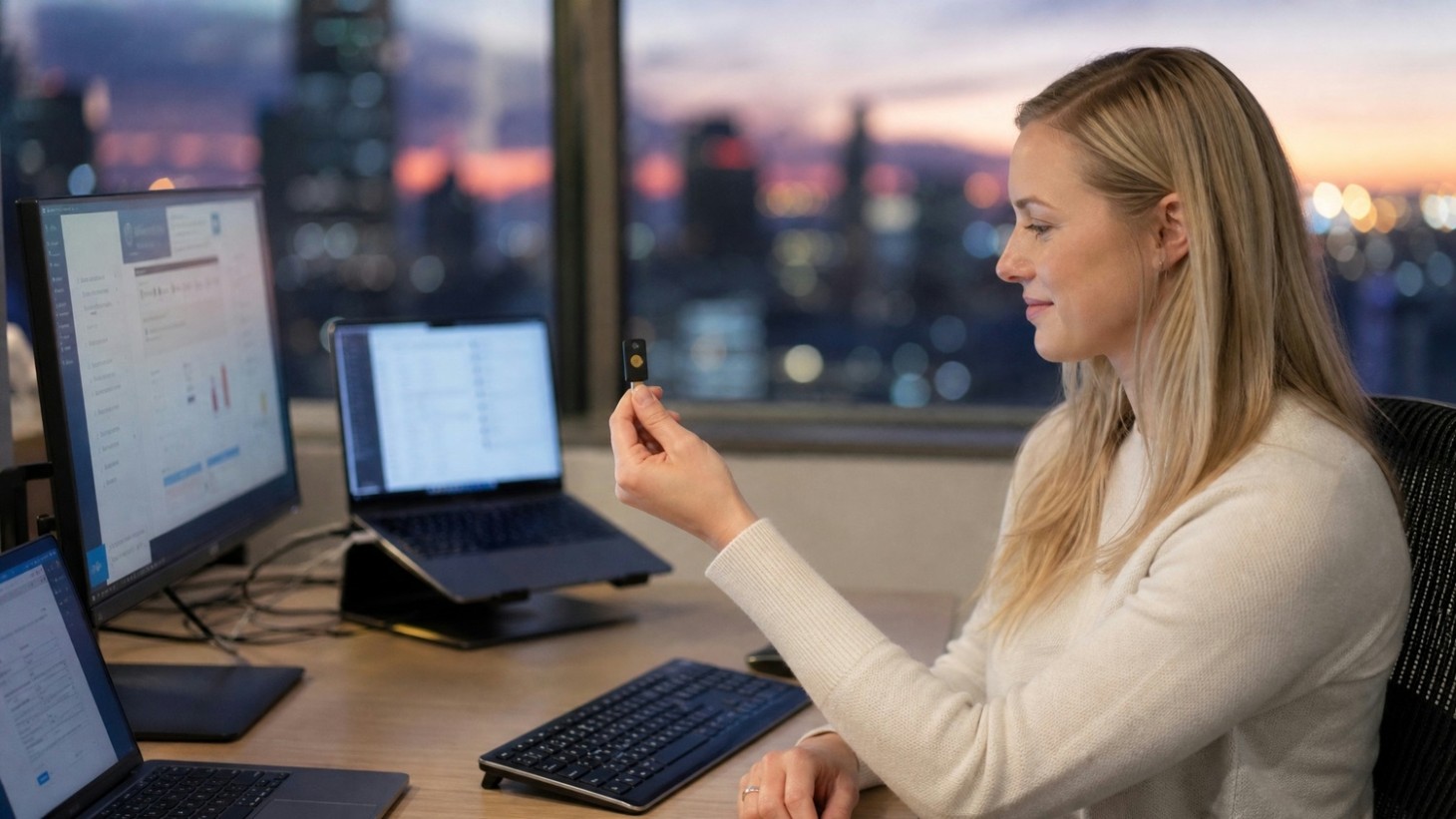
Physical devices that plug into your computer or connect via Bluetooth. They offer strong protection and are very hard to fake, but require users to keep track of the device.
Uses your fingerprint, face, or voice as a factor. Biometrics are unique and convenient but may need special hardware and careful privacy management.
Sends a code to your email address. This is better than nothing but can be risky if your email account is not protected by MFA itself.
Asks you to answer personal questions. This method is the weakest, as answers can sometimes be guessed or found online. Use only as a backup, not a main factor.
Adjusts the required factors based on risk, such as location or device. This approach offers strong protection while keeping the user experience smooth.
Rolling out MFA in your business doesn't have to be complicated. Start by identifying which systems and accounts need the most protection—usually email, cloud services, and financial platforms. Next, choose the MFA methods that work best for your team, balancing security with ease of use.
Train everyone on how to use their new authentication methods. Make sure they know how to set up backup options and what to do if they lose access. Regularly review your MFA setup to keep it up to date as your business grows or changes. Finally, monitor for any suspicious login attempts or verification failures, and adjust your policies as needed.
To get the most out of MFA, follow these simple guidelines:
Following these steps will help you keep your business safe and make sure your MFA system works smoothly for everyone.

Are you a business with 5-40 users looking for a better way to protect your data? If you're growing and want to make sure your systems are secure, multi-factor authentication is a smart move. We understand that every business is different, and we're here to help you find the right solution for your needs.
Our team at AccuTech IT can guide you through choosing, setting up, and managing MFA for all your important accounts. We'll help you avoid common mistakes, train your staff, and keep your authentication system running smoothly. Contact us today to get started and make your business safer.
Authentication means proving who you are before accessing a system, usually with something like a password. Multi-factor authentication adds extra steps, like entering a code from your mobile device or using a fingerprint, to make sure it's really you. This makes it much harder for attackers to break in, even if they know your password.
Using multi-factor authentication improves your security by requiring more than just one credential. For example, after you log in with your username and password, you might need to enter a one-time code sent to your phone. This extra layer helps stop unauthorized access to your online account.
MFA makes it much harder for someone to break into your accounts, even if they have your password. By asking for a second factor, like a code from an authenticator app or a security key, you add another barrier that attackers must get through.
This reduces the risk of phishing and other attacks. If someone tries to log in from a new device, the authentication system will ask for extra verification, making it tough for anyone who shouldn't have access.
The three main factors are something you know (like a password), something you have (such as a token or mobile phone), and something you are (like a fingerprint or facial recognition). Using two or more of these together is called multi-factor authentication.
Each factor adds a different type of protection. For example, even if your password is stolen, an attacker would still need your mobile device or biometric data to get in.
Yes, there are several common MFA methods. You might use a password plus a code from a software token, or a fingerprint scan along with a username and password. Some businesses use security keys or even facial recognition as part of their MFA setup.
Choosing the right combination depends on your needs and the systems you use. For example, Microsoft Authenticator is a popular app that generates one-time codes for secure login.
Start by looking at the types of data and systems you need to protect. For most businesses, using an authenticator app or hardware security keys offers strong security and a good user experience. Avoid relying only on SMS codes or security questions, as these are easier to bypass.
Also, consider how easy it is for your team to use the method. The best MFA method is one that your users can follow without frustration, so they don't try to bypass it.
If you lose your mobile device or can't use your main MFA method, use your backup options—like backup codes or a secondary device—to regain access. Make sure you set these up when you first enable MFA.
If you can't recover access on your own, contact your IT support team for help. They can verify your identity and reset your authentication so you can log in again.
Lorem ipsum dolor sit amet, consectetur adipiscing elit. Suspendisse varius enim in eros elementum tristique. Duis cursus, mi quis viverra ornare, eros dolor interdum nulla, ut commodo diam libero vitae erat. Aenean faucibus nibh et justo cursus id rutrum lorem imperdiet. Nunc ut sem vitae risus tristique posuere.


.png)